Most gamers find 27 inches 1440p high refresh rate displays to be the sweet spot for PC gaming.
If you’re already using a good 144Hz monitor, moving to 240Hz sounds like an obvious upgrade.
Are you thinking about making that same jump?
That’s good news considering I’ve been eager to test higher refresh rate monitors in this category. After extensive testing, I feel confident saying that moving from 144Hz to 240Hz doesn’t always bring the kind of improvement you might expect in everyday use.
For this comparison, I used the ASUS ROG Swift PG27AQN and went back to the LG UltraGear 27G610A-B, which is much closer to a typical 144Hz–165Hz gaming monitor experience. On paper, the difference between these two looks massive. But once I started using them, the gap didn’t feel as big as I expected.
A higher refresh rate can feel slightly more responsive, even when frame rates are similar. Because of this, smooth motion alone does not define how games feel in everyday use.
Why I Expected 240Hz to Be Better
With a very high refresh rate and a fast response time, a monitor should stay extremely smooth during use. Fast moving scenes should look clearer, input response should feel tighter, and motion blur should be reduced even further.
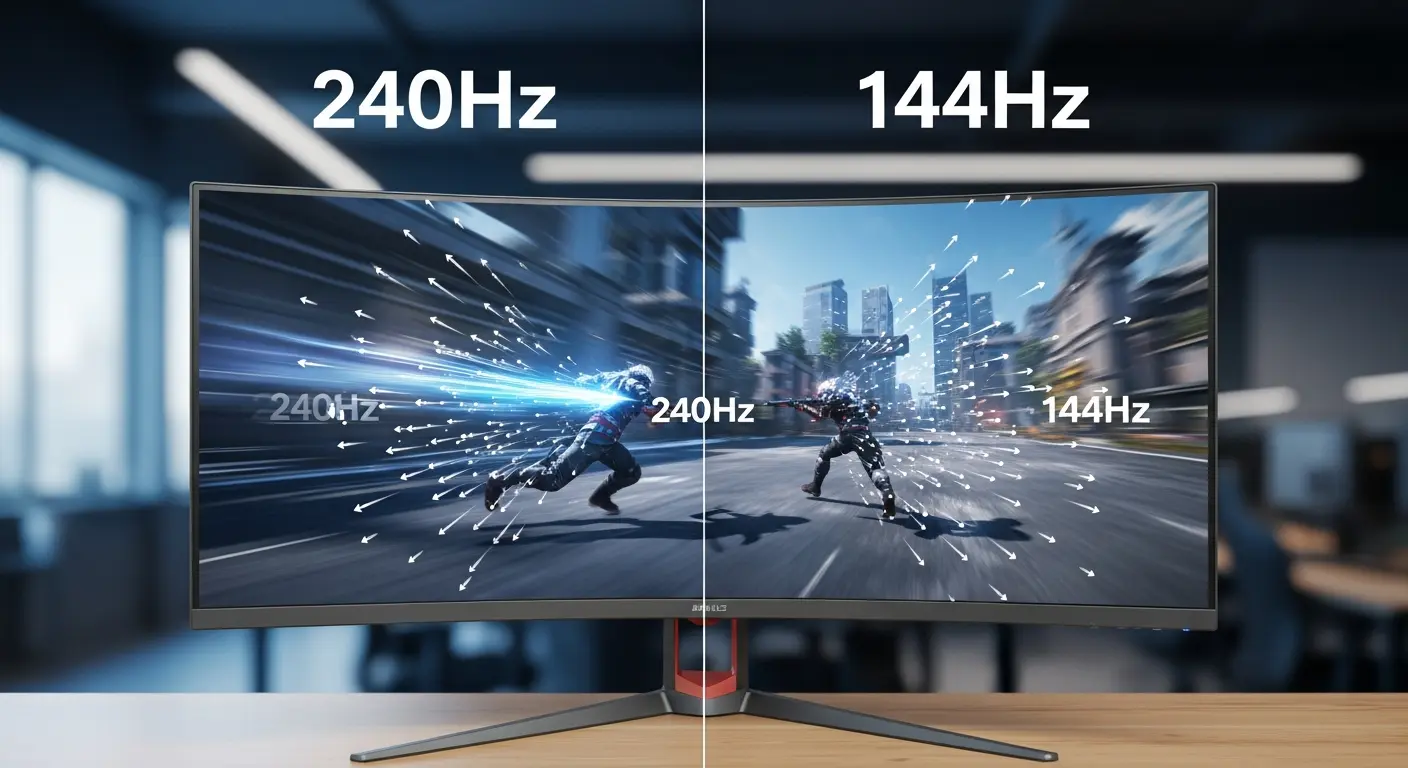
And to be fair, the ASUS ROG does exactly that. Quick camera movements feel cleaner, and the image looks more stable during rapid direction changes.
However, the difference compared to a high refresh rate 1440p monitor like the LG UltraGear is not as dramatic as the specifications suggest.
First Impressions Switching Between 240Hz and 144Hz
At 27 inches and 2560 × 1440 resolution, both monitors deliver sharp details and clean text without any scaling necessary. Image clarity is excellent on both displays, and colors look clean and consistent for everyday use and gaming.
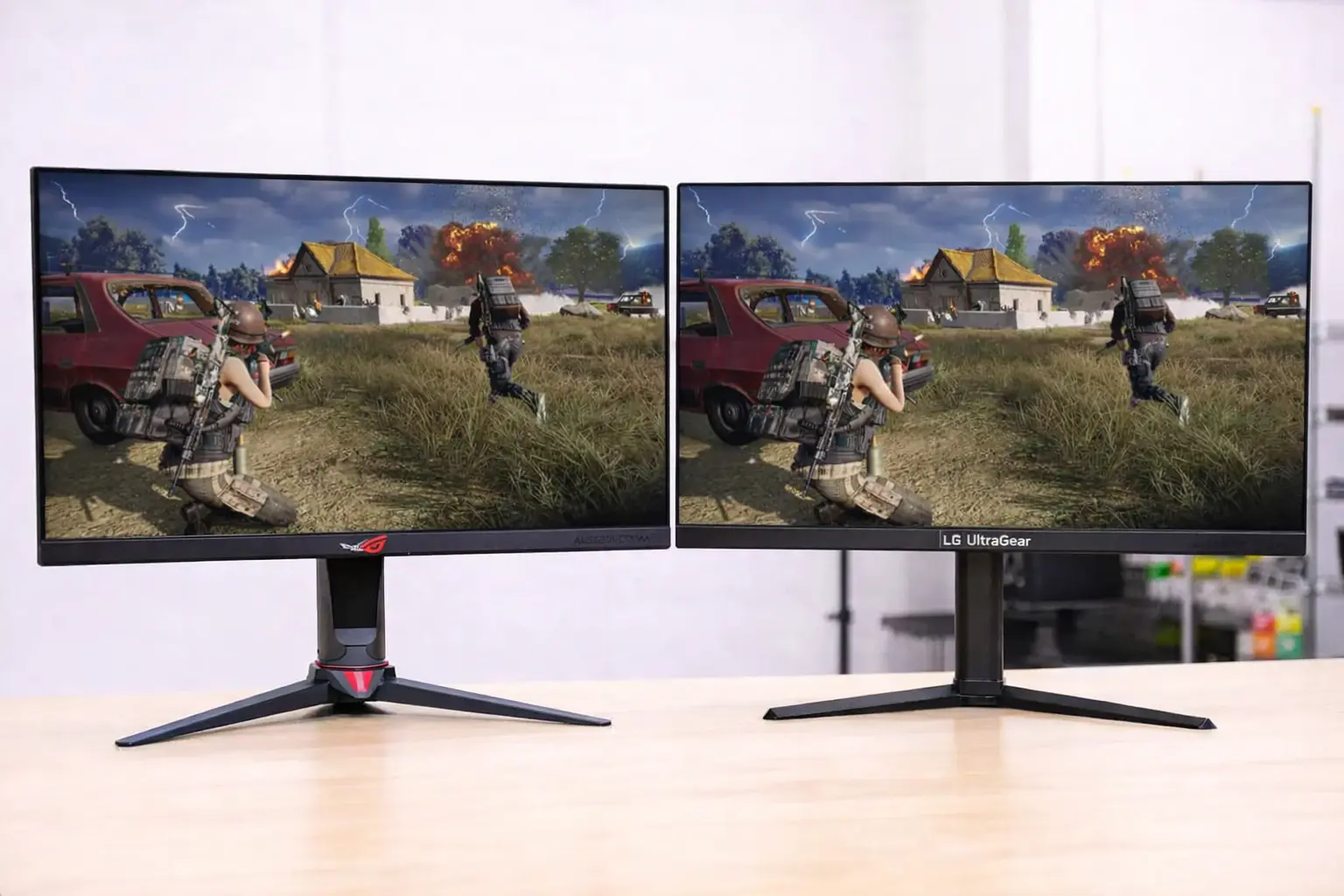
Fast moving scenes stay clear and easy to follow on both monitors. Yes, the 240Hz panel looks smoother, but the 200Hz and 144Hz class experience already feels very fluid. During normal gameplay, the two feel very similar.
Why This Difference Matters Less Than Expected
The jump from 60Hz to 144Hz is immediately noticeable. Moving beyond that brings smoother motion, but the improvement is much harder to notice during normal gameplay.
During everyday use and gaming, I couldn’t say the higher refresh rate made me play better. It certainly didn’t hinder me, but it also didn’t fundamentally change how games felt compared to a strong 144Hz or 165Hz monitor.
How I Tested
For this comparison, I spent time using two different 27-inch 1440p gaming monitors with very high refresh rates. The first was the ASUS ROG Swift, while the second was the LG UltraGear.
Both monitors were used in the same setup, with similar picture settings and adaptive sync enabled. I focused on everyday use and gaming performance rather than short testing sessions.
Everyday Use
Even though the ASUS ROG is positioned as a competitive gaming monitor, it behaves very much like any other high-end 1440p IPS display during everyday use. Desktop work feels smooth, and the image remains stable when moving windows or scrolling.
The LG UltraGear delivers a very similar experience. Text looks clean, details are sharp, and the screen remains comfortable to use for long periods. The matte screen coating helps reduce reflections, which makes everyday work more pleasant.
At this level, the difference between these refresh rates is difficult to notice without directly switching between the two monitors.
Gaming Performance (PUBG)
I used PUBG for testing because it clearly shows differences in motion and clarity when tracking enemies at medium and long distances. The ASUS ROG Swift PG27AQN shows its strength here. Motion looks very clean, the panel handles fast transitions well, and movement remains easy to follow even during intense moments.
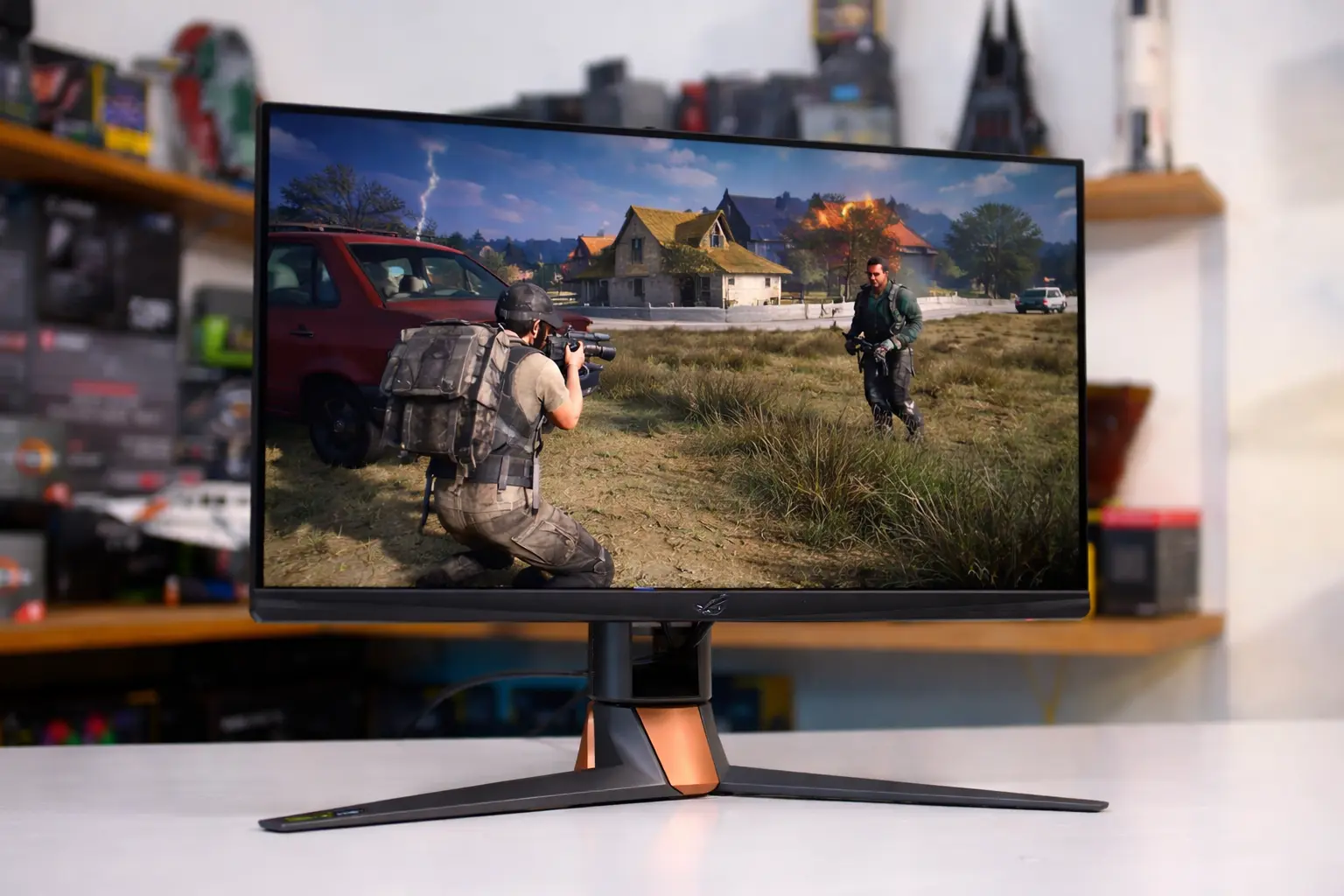
The LG UltraGear 27G610A-B also performs very well, with a high refresh rate and fast response time. While motion is slightly less refined compared to the ASUS model, the difference is not immediately apparent during gameplay.
Input response feels instantaneous on both monitors, with smooth gameplay and no noticeable tearing.
When turning quickly or tracking running targets, the ASUS monitor maintains slightly cleaner motion. On the LG UltraGear, motion remains smooth and responsive, but transitions feel a bit less refined during fast turns and close combat.
That said, there is no stutter or distracting blur on either monitor. Both displays remained usable and clear during normal PUBG matches.
Why I Went Back to a Lower Refresh Rate
After spending more time playing PUBG, the higher refresh rate started to feel less important. The higher refresh rate makes movement feel a bit cleaner, but it doesn’t improve aim or decision-making in PUBG.
During longer matches, I stopped noticing the refresh rate advantage unless I actively switched back to the LG monitor. Once I stayed on one screen, aiming, movement, and tracking felt normal and familiar.
At that point, the higher refresh rate felt more like a technical advantage on paper rather than something that clearly improved gameplay.
The higher refresh rate only stands out when frame rates remain consistently high. When performance fluctuates, gameplay starts to look very similar on both monitors. In busy PUBG scenes, the benefit of the higher refresh rate was not always consistent.
The LG UltraGear feels more balanced in this situation. Gameplay stays smooth without needing to constantly maintain extremely high frame rates.
Overall Use and Comfort
I used both monitors for daily work and gaming, including PUBG and general desktop use. Screen stability and image clarity mattered more than refresh rate numbers.
Both displays remained comfortable to use. Text stayed sharp, colors looked consistent, and the image did not feel tiring.
The stand and ergonomics made a clear difference. Being able to adjust height and tilt helped maintain a comfortable viewing position.
Over time, this practical comfort became more important than the extra smoothness provided by a higher refresh rate.
Conclusion
So, what is the bottom line?
For most players, a 27-inch 1440p high refresh rate monitor remains the best choice for PC gaming. It delivers smooth gameplay, clear image quality, and reasonable performance demands.
While higher refresh rates can look smoother, they won’t make you a better player. In everyday use and gaming, a well-balanced high refresh rate monitor is easier to live with.
