ASUS TUF VG27AQL5A is one of the more affordable 27-inch 1440p gaming monitors currently available, with a price of around $250. Besides the familiar TUF Gaming design, the most interesting points of this model are the Fast IPS panel and a very high refresh rate, which together deliver sharp visuals and smooth motion suitable for gaming. The fast response time combined with FreeSync Premium also helps provide a noticeably smoother gaming experience compared to standard 1440p monitors.
Technical Specifications
| Specification | Details |
|---|---|
| Screen size | 27 inches |
| Resolution | 2560 × 1440 (QHD) @ 210Hz |
| Aspect ratio | 16:9 |
| Panel type | Fast IPS |
| Surface treatment | Anti-glare |
| Maximum brightness | 400 nits |
| Contrast ratio | 1000:1 |
| Response time | 0.3 ms (GTG, min.) |
| Color coverage | Wide color gamut (sRGB focused) |
| Additional features | Shadow Boost, Trace Free, Dynamic Crosshair, ELMB Sync |
| Connectivity | DisplayPort, HDMI, headphone jack |
| Speakers | Yes |
| Warranty | 3 years |
Design Overview
ASUS TUF VG27AQL5A features a fairly simple and functional design, following the familiar TUF Gaming style with a focus on durability rather than flashy details. The monitor uses a dark color scheme and a clean front look, making it suitable not only for gaming setups but also for office or mixed-use environments. Apart from the slim bezels, there are no standout visual elements on the front.
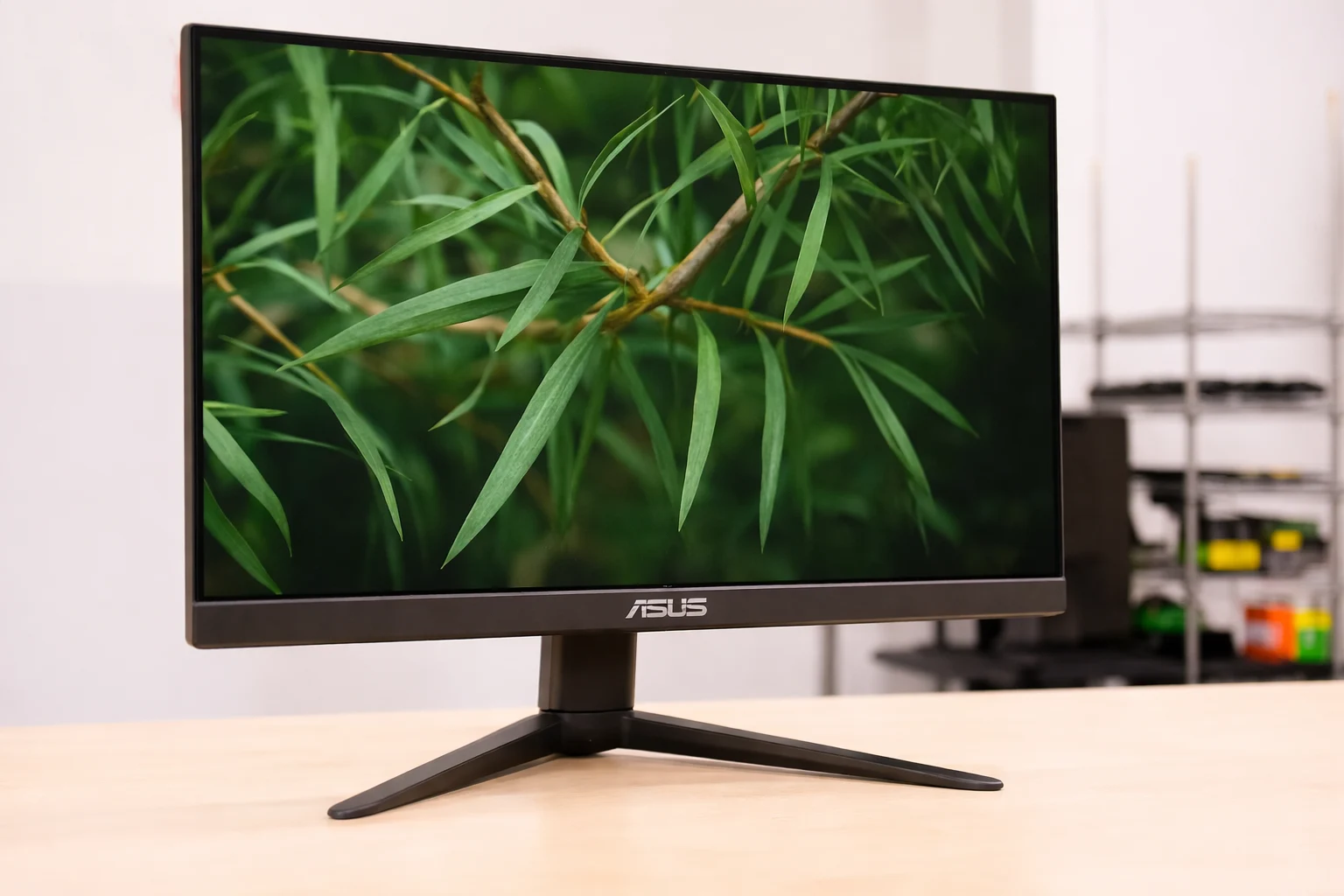
The screen borders are reasonably thin, which looks good in practice and works well if you plan to use multiple monitors side by side. The matte screen coating helps reduce reflections and makes long gaming or work sessions more comfortable.
The stand is solid and stable, offering height adjustment, tilt, swivel, and pivot. This level of adjustability makes it easy to find a comfortable viewing position, which is important for a 27-inch 1440p display used for long periods.
Check ASUS TUF VG27AQL5A on Amazon
Rear Design
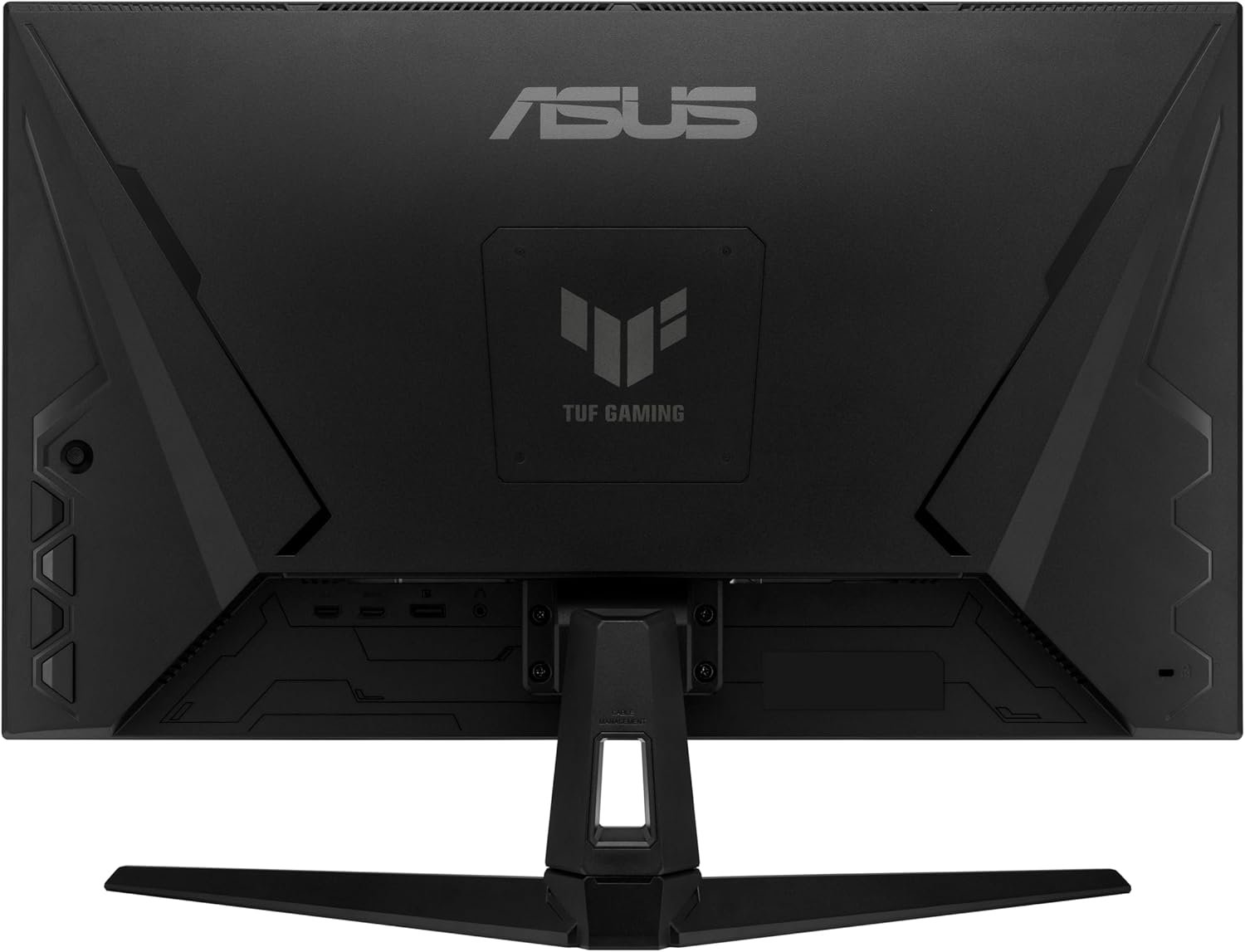
If the front of the monitor is not very impressive, the back of the ASUS TUF VG27AQL5A looks better. The rear design follows the TUF Gaming style with textured surfaces. It looks more interesting than the front and stands out more compared to basic office monitors. If the front of the monitor is not very impressive, the back of the ASUS TUF VG27AQL5A looks better.
Controls
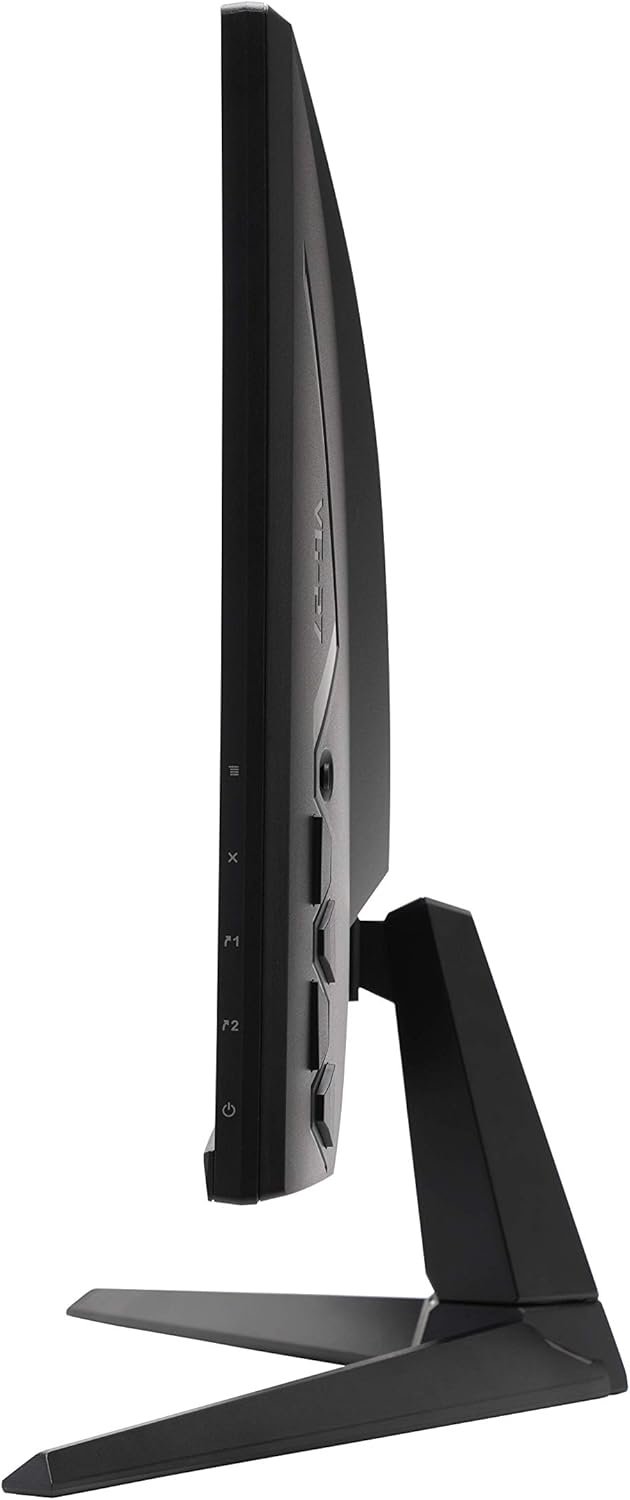
ASUS uses a joystick control on the back of the monitor. This type of control is very convenient. You only need to reach behind the screen, press to open the menu, and move the joystick to adjust settings. It is much easier than using traditional buttons. This type of control is very convenient.
Connectivity
In terms of ports, ASUS TUF VG27AQL5A is quite modest. The monitor comes with DisplayPort and HDMI. This is enough for everyday use. The ports are placed in a way that makes connecting cables easier. There is also a headphone jack. The monitor supports VESA mounting for wall or arm installation. This is enough for everyday use.
Panel Type
The Fast IPS panel is one of the main highlights of this model. Compared to VA panels, IPS offers better viewing angles and more stable colors. The image looks consistent and does not change much when viewed from the side. Contrast is typical for an IPS panel.
Further, the IPS panel of the ASUS VG27AQL5A provides vivid and consistent colors with 178° wide viewing angles and full sRGB color gamut coverage.
The colors don’t extend over the standard sRGB color space, so there won’t be any over-saturation, however, this also means that the display lacks the vibrancy of wide color gamut displays, which are available around this price range with similar specs. Moving on, the monitor has a static contrast ratio of 1,000:1, so you won’t get quite as deep blacks as that of VA panels, which usually have a contrast ratio of around 3,000:1.
However, VA displays at this price range have other disadvantages, such as significantly slower response time speed that results in smearing, narrower viewing angles and variable refresh rate brightness flickering. Another thing to keep in mind about IPS panels is IPS glow. It can be characterized as visible glowing around the corners of the screen that’s most noticeable when displaying dark content in a dark room with high brightness settings.
Gaming Features
ASUS Trace Free in Games
ASUS Trace Free is ASUS’s proprietary approach to response time tuning. It is designed to reduce the blur that appears on very fast and constantly moving objects during gameplay. When Trace Free is active, pixel transitions are handled more aggressively, which helps reduce the visibility of previous frames lingering on the screen.
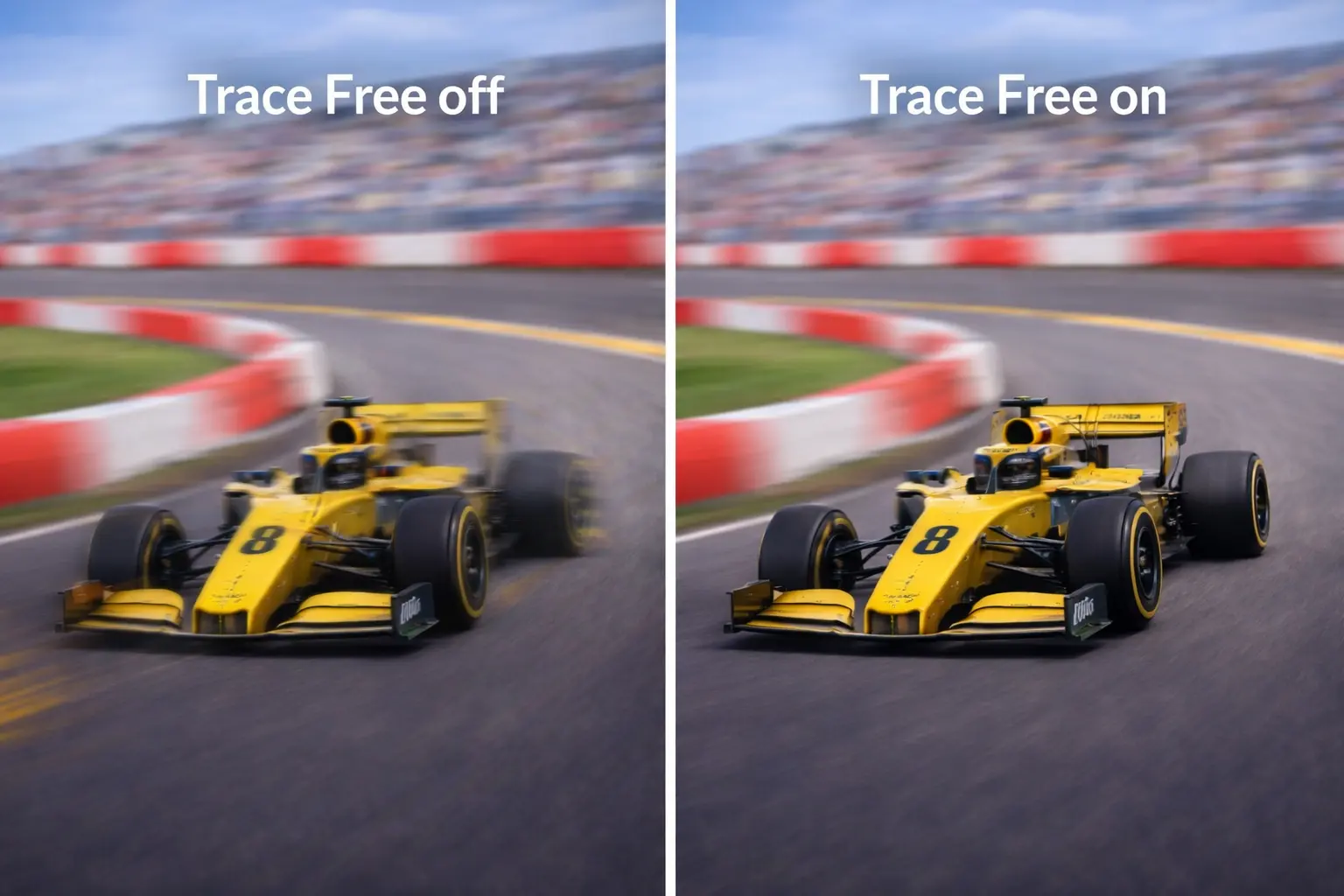
There are six overdrive levels under the Trace Free setting in the OSD (On-Screen Display) menu, ranging from ‘0’ to ‘100’ in increments of 20.
At a fixed 144Hz – 165Hz refresh rate, we recommend going with ’60’ in order to avoid inverse ghosting.
Bumping it up to ’80’ can help remove some ghosting, but it will be replaced with some overshoot.
ASUS Shadow Boost in Games
ASUS Shadow Boost is a feature from ASUS that helps improve brightness and contrast between dark areas and bright areas of images displayed on the screen.
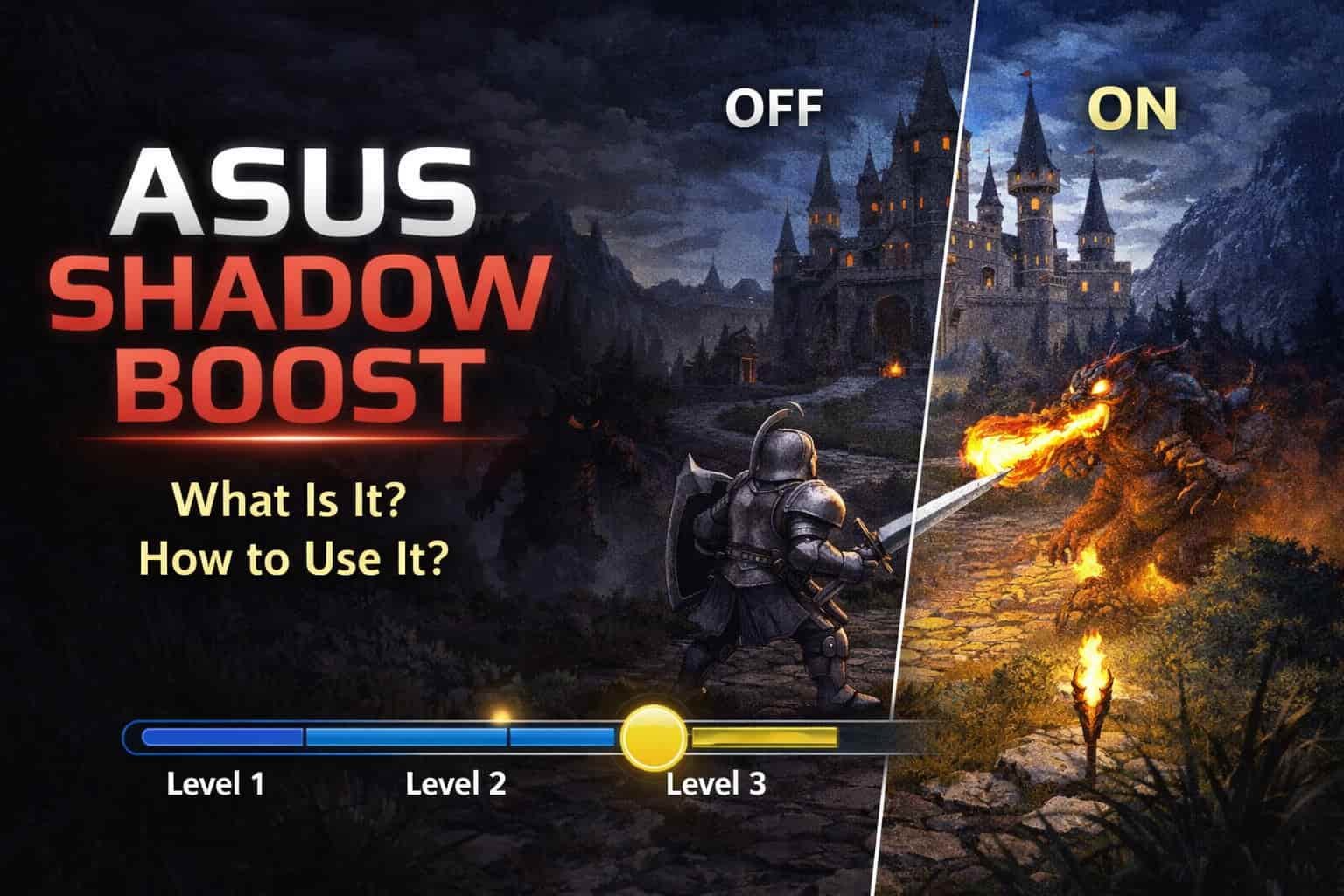
Shadow Boost helps make dark areas easier to see in games with low visibility.
Dynamic Crosshair
Dynamic Crosshair automatically adjusts the crosshair color to contrast with the background for better visibility in FPS games.
This can be useful in games where visibility is limited or where a built-in crosshair is not always clear.
Motion and Responsiveness
While the rated response time is very low, some trailing artifacts can still be noticeable behind fast-moving objects.
Input lag is low and does not create any noticeable delay between your actions and the result on the screen. The monitor also supports ELMB Sync, which can help reduce motion blur in certain scenarios, although it comes with typical brightness trade-offs.
Image Quality
Most gamers find 27″ 1440p high refresh rate displays to be the sweet spot for PC gaming. The 2560×1440 WQHD resolution nicely complements the 27″ screen of the VG27AQL5A monitor.
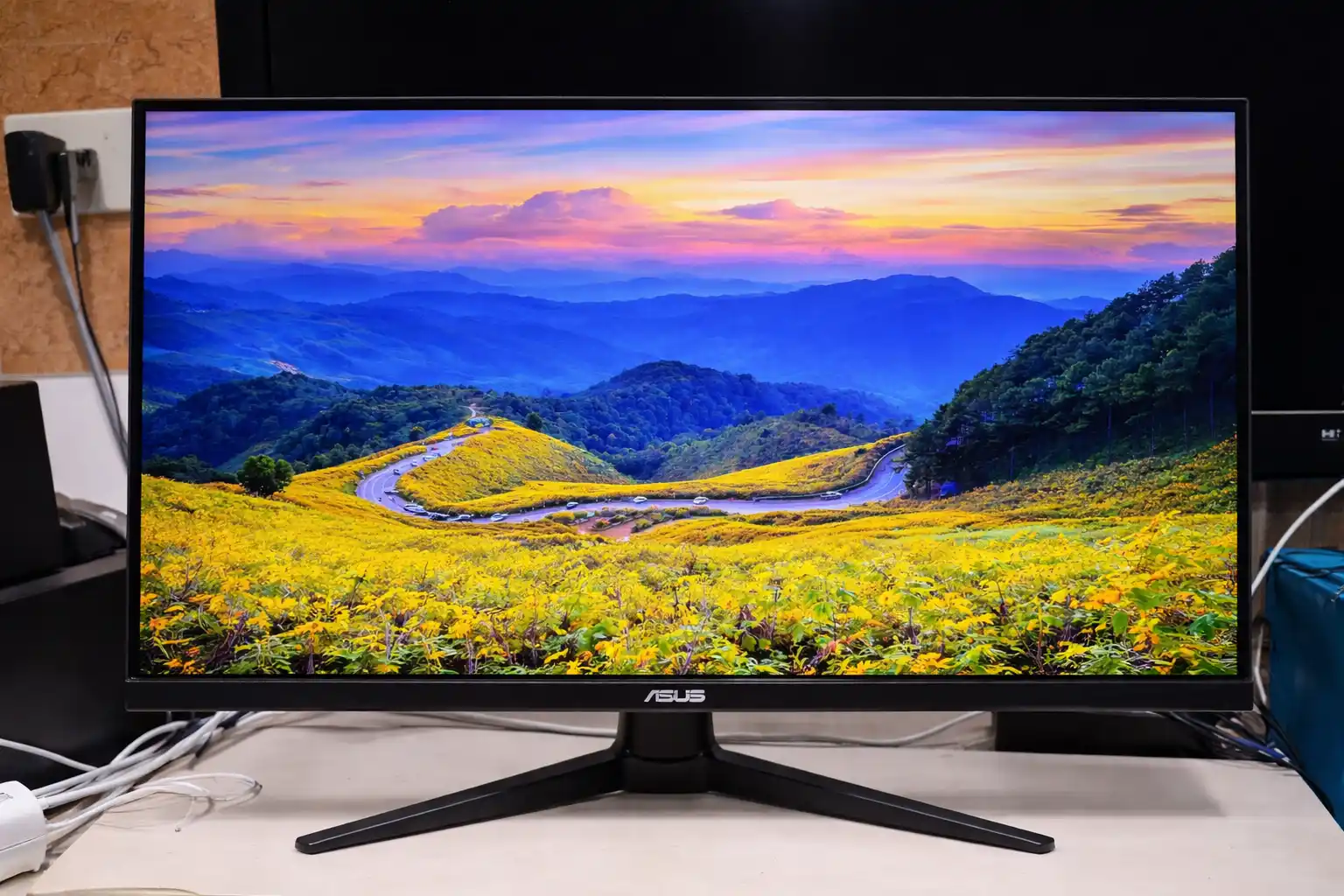
In comparison, 1080p resolution looks pixelated and smudgy on 27″ sized screens, while 4K UHD offers sharper details, but it’s a lot more demanding on your CPU/GPU. Thanks to the display’s full sRGB gamut coverage and wide viewing angles that ensure the image won’t degrade in quality at basically any angle.
Lastly, the monitor has a strong peak brightness of 400-nits.
It can also accept the HDR10 signal, but it lacks proper hardware for a noteworthy HDR (High Dynamic Range) viewing experience, therefore, HDR should be disabled.
Gaming Performance / VRR
Variable refresh rate (VRR) synchronizes the monitor’s refresh rate with the GPU’s frame rate in order to prevent screen tearing and stuttering at no perceptible input latency added.
Variable refresh rate works reliably within the standard refresh range, while 210Hz is available via overclocking.
The supported VRR range operates within the standard refresh window, with LFC handling lower frame rates.
VG27AQL5A vs VG27AQ
Compared to older VG27AQ models, the VG27AQL5A focuses more on refresh rate and motion handling. The refresh rate is higher, and motion looks smoother during gaming. The VG27AQ uses the same 1440p resolution, but it is limited to a lower refresh rate. Because of this, the VG27AQL5A is more suitable for higher frame rates at 1440p.
| Feature | VG27AQL5A | VG27AQ |
| Screen size | 27 inches | 27 inches |
| Resolution | 2560 × 1440 (QHD) | 2560 × 1440 (QHD) |
| Panel type | Fast IPS | IPS |
| Maximum refresh rate | Up to 210Hz (OC) | Up to 165Hz |
| Typical brightness | Around 400 nits | Around 350 nits |
| Response time (rated) | 0.3 ms (min.) | 1 ms (GTG) |
| Adaptive Sync | FreeSync Premium, G-SYNC Compatible | FreeSync, G-SYNC Compatible |
| HDR support | HDR10 | HDR10 |
| Motion handling | Improved for high refresh rates | Good, but slower than AQL5A |
| Gaming focus | Higher refresh & faster tuning | Balanced gaming performance |
| Release generation | Newer generation | Older generation |
| Best use case | Competitive & high-FPS gaming | General gaming |
Overall Use
ASUS TUF VG27AQL5A is one of the more affordable 27-inch 1440p gaming monitors currently available. Besides the familiar TUF Gaming design, the most interesting points of this model are the Fast IPS panel and a very high refresh rate.
The fast response time combined with FreeSync Premium also helps provide a noticeably smoother gaming experience compared to standard 1440p monitors.
